 Password Recovery
 Passper.or.PowerPoint PPT Password Cracking Tool
Passper.for.PowerPoint [PPT Password Cracking Tool to Remove Protection Restrictions] Download address. The content is the same. Just choose a frequently used cloud drive and copy it to your browser to download!
Baidu Cloud:https://pan.baidu.com/s/1UhEpEkzOcbvZPtrc847jmA?pwd=3bhi Extraction Code: 3bhi
Xunlei Cloud:https://pan.xunlei.com/s/VO3unSCt5COdHFKbG0SLOZEEA1?pwd=rjm4# Extraction Code: rjm4
Lanzhouyun: https://xiaodongzi.lanzout.com/iQ93c271kwve
获取解压密码请联系:www.mima8.cn Customer Service WeChat Request
Passper for PowerPoint PC version is a secure, professional, functional, and practical PPT password recovery software. The latest version of Passper for PowerPoint also provides users with two major functions: password recovery and removing restrictions. Passper for PowerPoint is very easy to operate, using a wizard-style operation step. You only need a few simple steps to quickly recover your PPT password.
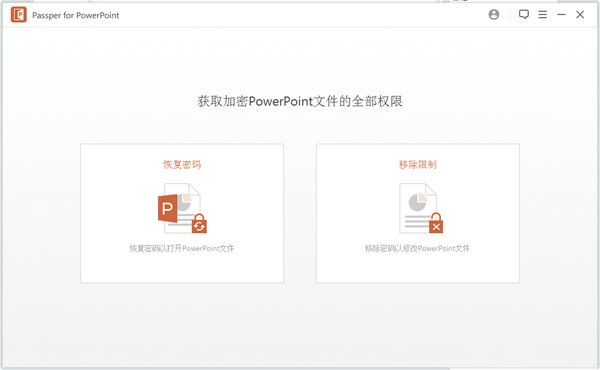
Passper for PowerPoint Features
Use this app to regain access to your PowerPoint presentation, allowing you to recover your password or remove any editing or formatting restrictions.
Recover open PowerPoint password:
Recover lost or forgotten PowerPoint password without affecting PowerPoint data.
Unlock read-only PowerPoint files:
Removes restrictions in read-only PowerPoint files so you can edit, copy, and print them.
Dictionary attack:
This type of attack uses a database available on the software. The database is regularly updated with the latest passwords. You can even use your own database.
Combination attack:
This attack mode allows you to specify any characters that make up a password, and the program randomly combines them in turn to find the password.
Mask attack:
This method is useful if you know some of the parameters of the password. The generic reference may be the length, suffix, suffix, or number of letters of the password.
Brute Force Attack:
Select this option if you don't remember any passwords. This will take more time than the other two types of attacks. The attack type tries all possible options to find the password. You do not need to configure any settings. The software will look for all possible alternatives.
Passper for PowerPoint Software Features
Simple and intuitive user interface Interface
Users will immediately discover that application developers keep simplicity in mind when creating interfaces. Two recognizable big features will allow you to recover a lost password or remove all pending restrictions on a file.
However, there is no drag-and-drop support for adding files when either option is selected. The program also does not support batch processing. This can be unsettling for those who need enhanced processing power and prefer efficient workflows.
The step-by-step recovery process can be assisted by providing hints or password details.
If the user has managed to import a PowerPoint file for recovery, a step-by-step wizard will accompany the process of retrieving the lost password. There are three decryption methods available, then choose one that will result in a series of user inputs required.
Because these steps may be useful, it may be troublesome for the user not to have to provide password details, such as potential length, prefix or suffix, letter case, etc. Perhaps a person doesn't remember any details about the password, so all these extra steps only make the entire recovery process less efficient.
Powerful PowerPoint file password recovery software with recovery wizard
This application can help users solve the problem of lost PowerPoint document passwords. The application has a multi-step recovery wizard that may require configuring many details for retrieval.
Passper for PowerPoint Installation Steps
In Huajun Software Park, download the software package, extract it, run the "exe.file"
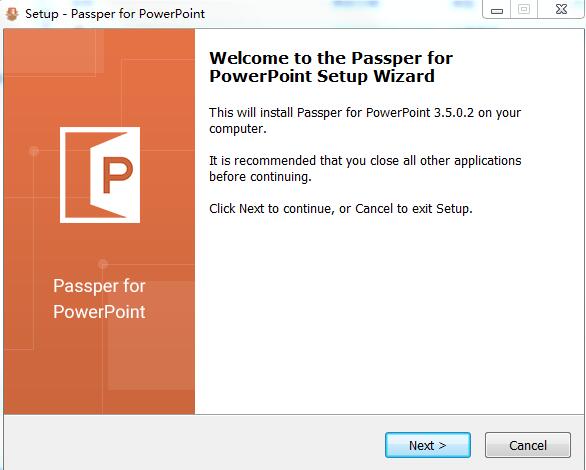
Double-click to open, enter the installation wizard, click next
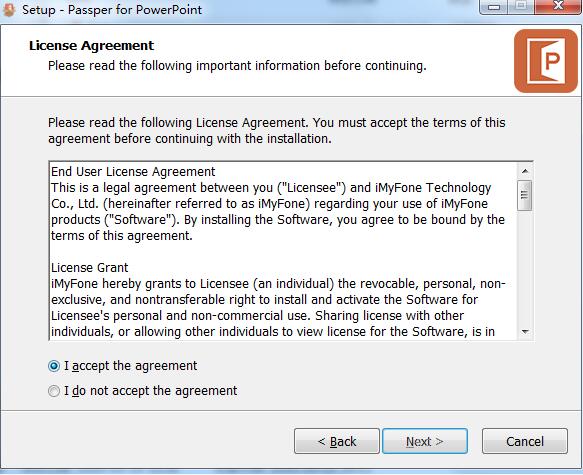
Read the license agreement, click "i accept" Click next
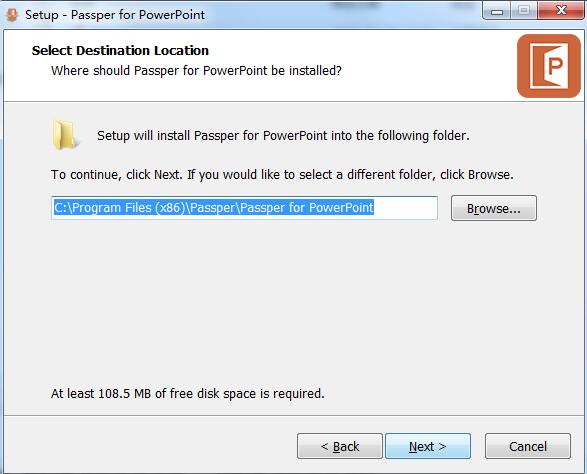
Select the installation location, click next
Select additional tasks, click next
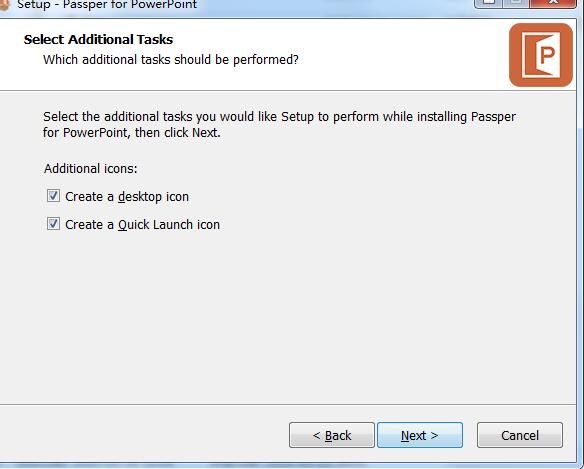
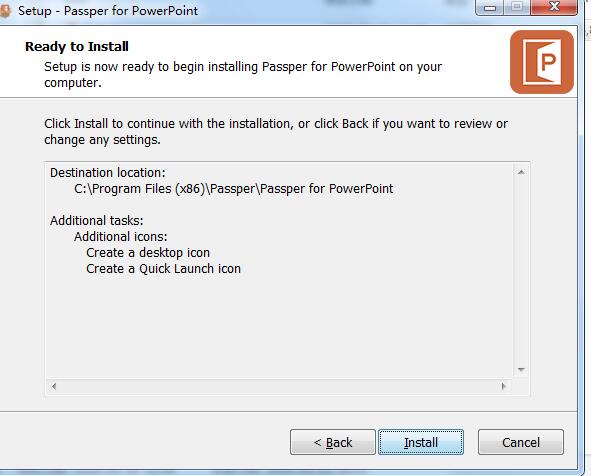
Click install
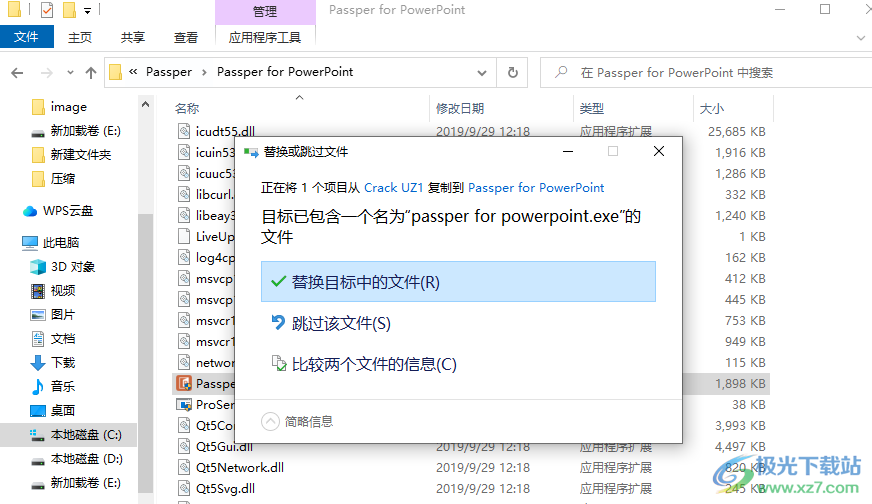
Patch passper for powerpoint.exe Copy to the software's installation address and replace it with
. Launch passper for PowerPoint software to directly select a password recovery method.
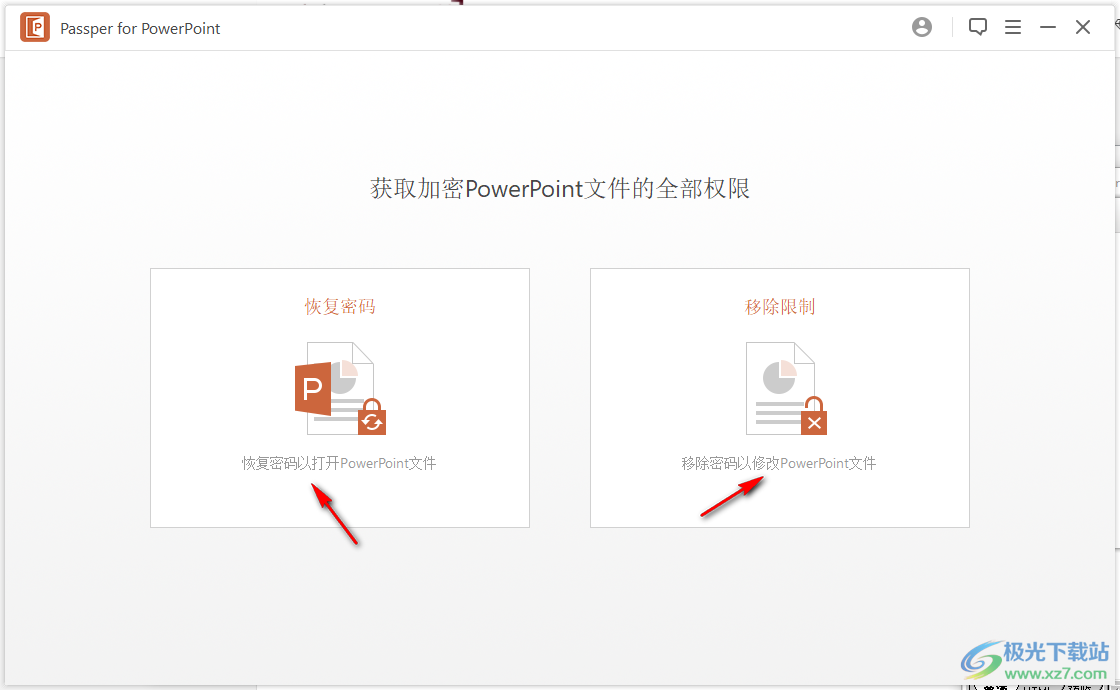
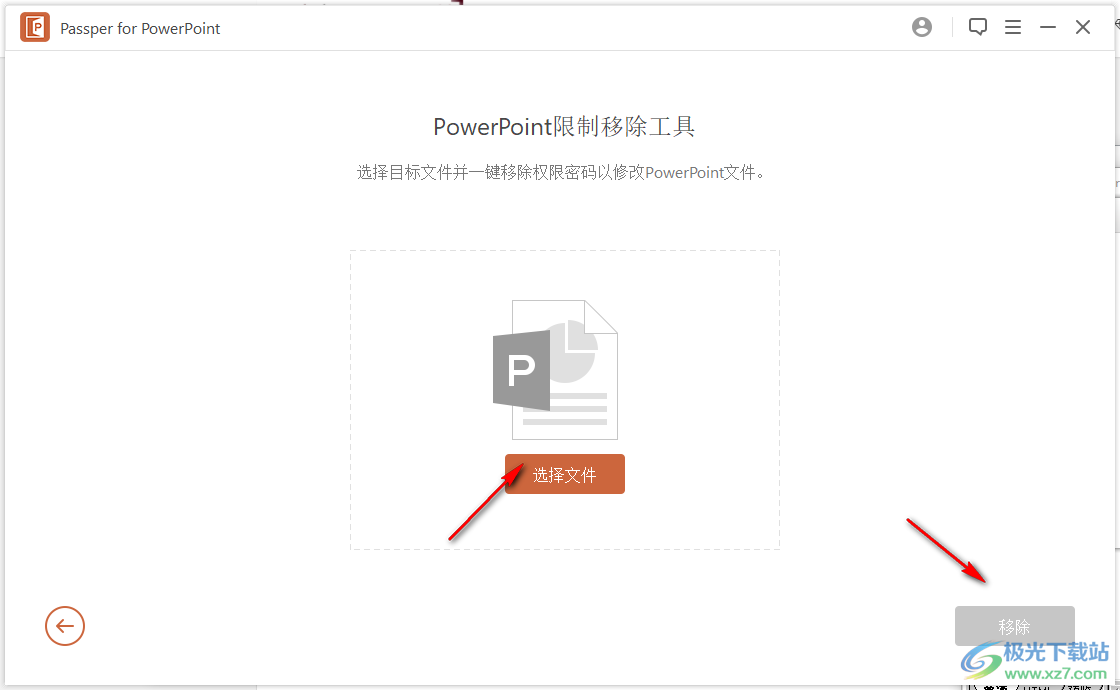
5. Remove password function. Add PowerPoint to the software by clicking the remove button.
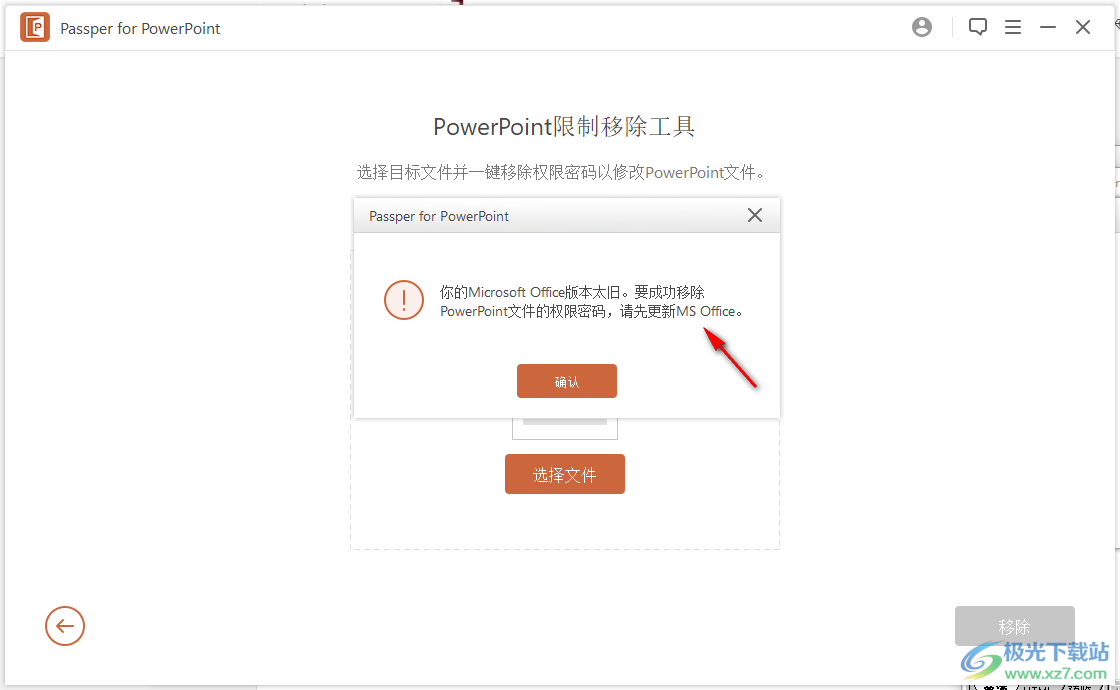
6. Prompt that you need MS Office software on your computer. If PowerPoint is installed on your computer, it will work normally.
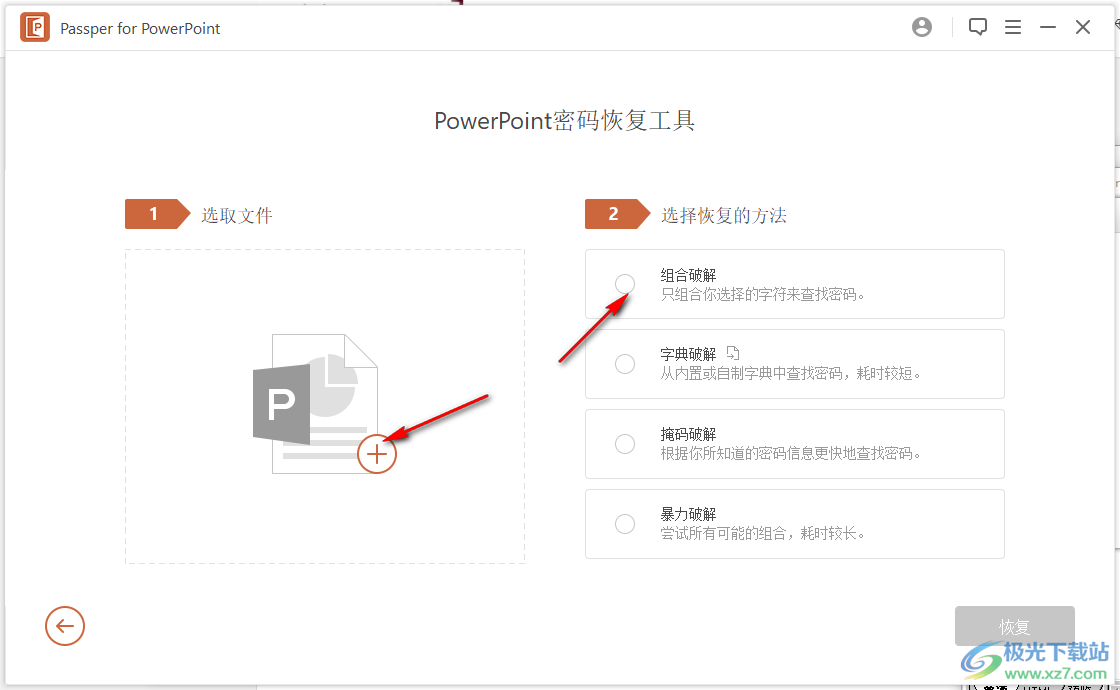
7. Password recovery interface. You can select the combination function and directly set the password combination to recover PowerPoint.
8. You can select the dictionary function. Load the software's dictionary and click to recover.
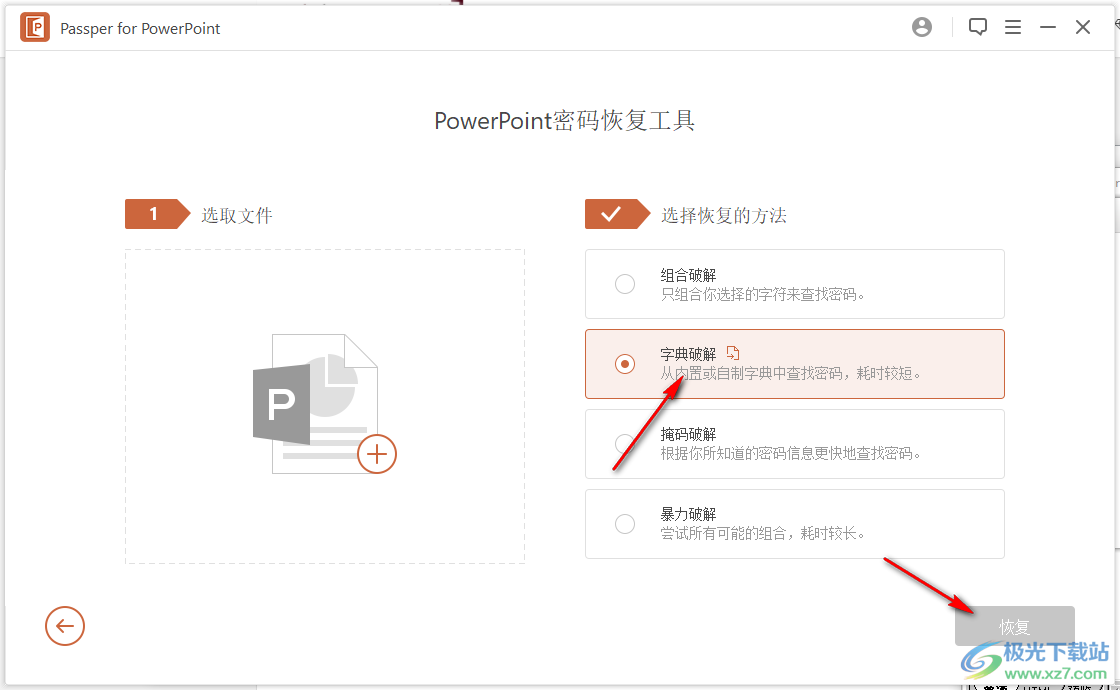
9. Also supports masking function.